Deploying MLflow models to Amazon SageMaker AI Hosting
1 minute read
Your best model sits in the MLflow Model Registry with a version number and a signature — and then someone asks: “Can we get that behind an endpoint?” With managed MLflow on Amazon SageMaker AI, the distance between “registered in MLflow” and “serving traffic” is much shorter than it used to be. In this post, we walk through the three deployment patterns — with working code for each — and give a clear answer to the question that matters: which one should I use?
Full text here, and GitHub repository here
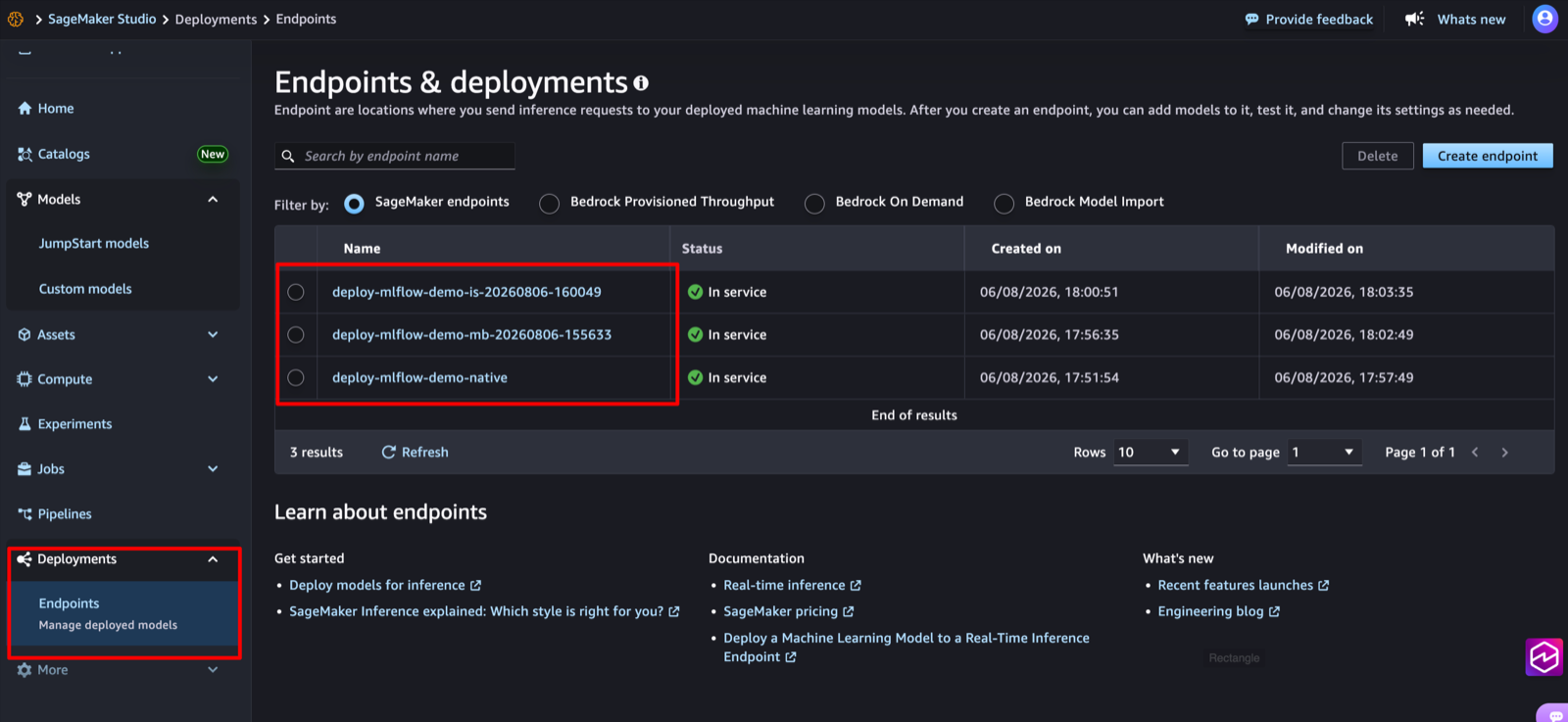
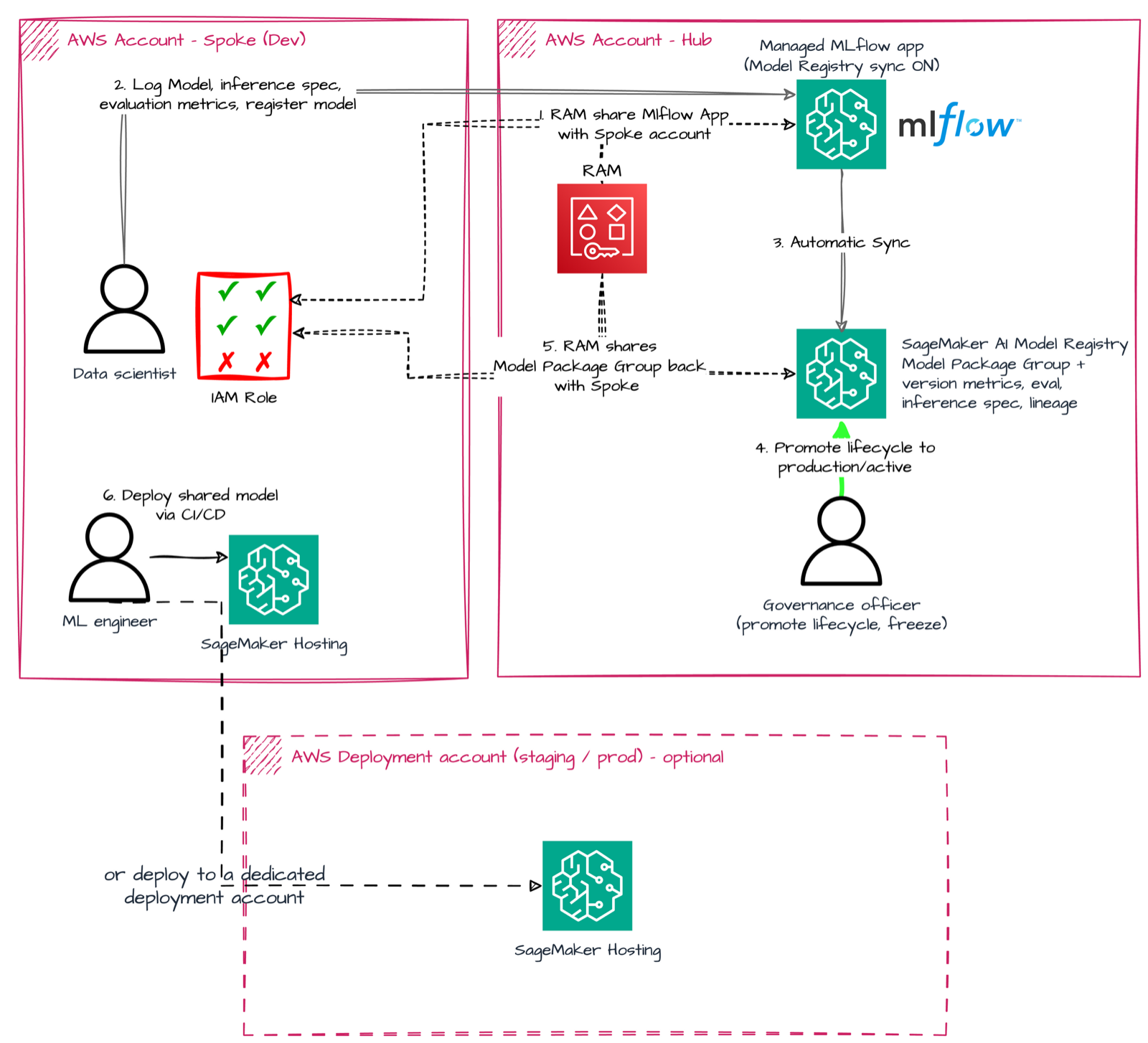
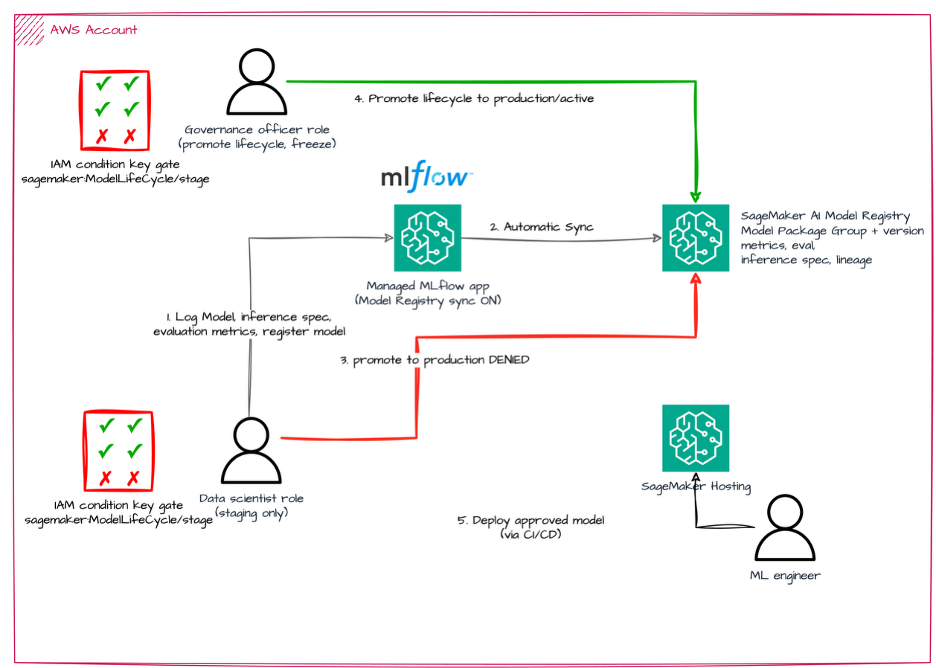
All three patterns deploy the same scikit-learn model, so the differences you see are purely about the deployment mechanism: the MLflow-native path (mlflow.deployments with the pyfunc serving container) for teams that live entirely inside MLflow; the ModelBuilder repack path, where the SageMaker Python SDK v3 repacks the MLflow artifact for the SageMaker SKLearn serving container; and the inference specification path, where an inference spec is attached to the logged model so the SageMaker Model Registry sync carries everything needed for deployment. Along the way we cover the small mismatches that cause most of the friction — like serializing with plain pickle instead of skops so the serving container can read the artifact — and why each pattern gets its own logged model. Everything is runnable as notebooks in the companion repository.
Why I wrote this. “How do I get an MLflow model behind a SageMaker endpoint?” is the question I’ve heard most often since managed MLflow launched — and the honest answer was “it depends” with no side-by-side comparison anywhere. This post is that comparison, with the same model deployed three ways so the trade-offs are visible instead of anecdotal.